If you’ve already set up 2FA and started using a password manager, great! You’re ahead of most people.
But here’s the uncomfortable truth: phishing still works. And in 2026, it’s often not about guessing your password. It’s about tricking you into:
- entering your login details into a fake page
- approving a sign‑in you didn’t start (MFA fatigue)
- handing over access through a convincing email, message, or invoice
This post breaks down scams people actually fall for (including Caribbean examples) and gives you a simple checklist you can use in under 60 seconds.
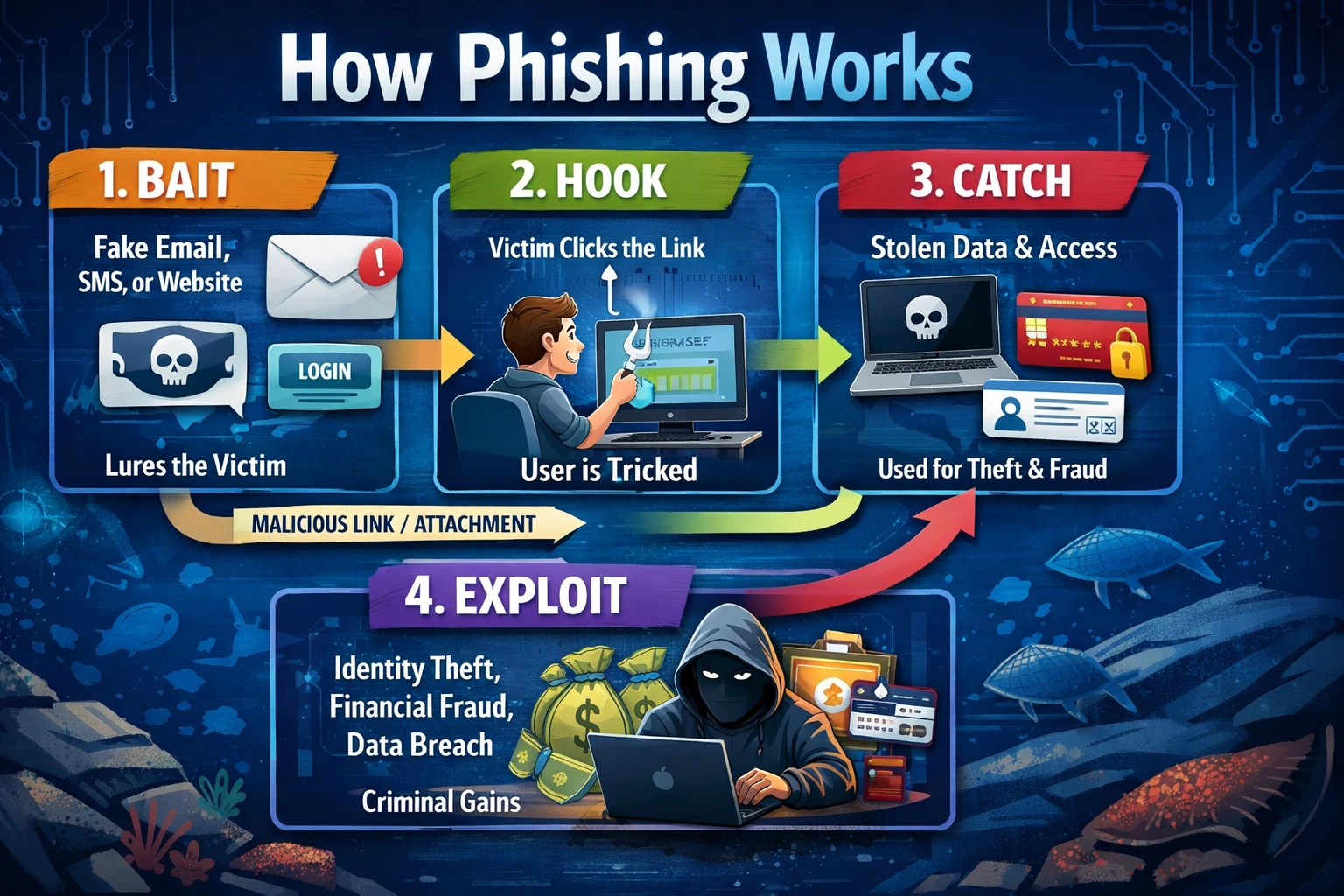
The image below shows a common phishing workflow. (AI Generated Image)
A user is lured to a fake login page that looks legitimate and enters their credentials. After submitting, they may be redirected to the real website, making the process seem normal and reducing suspicion. Meanwhile, the attacker has already captured the login details and can use them for unauthorized access, identity theft, fraud or other malicious reasons.
What phishing looks like now (it’s not just “Nigerian prince” emails)
Modern phishing usually falls into three categories:
1) Fake login pages (still #1 in 2026)
You get a message like: “Your account will be disabled. Sign in to verify.”
- You click. The page looks like Microsoft, Google, your bank, or your payroll portal.
- You type in your credentials… and the attacker now has them.
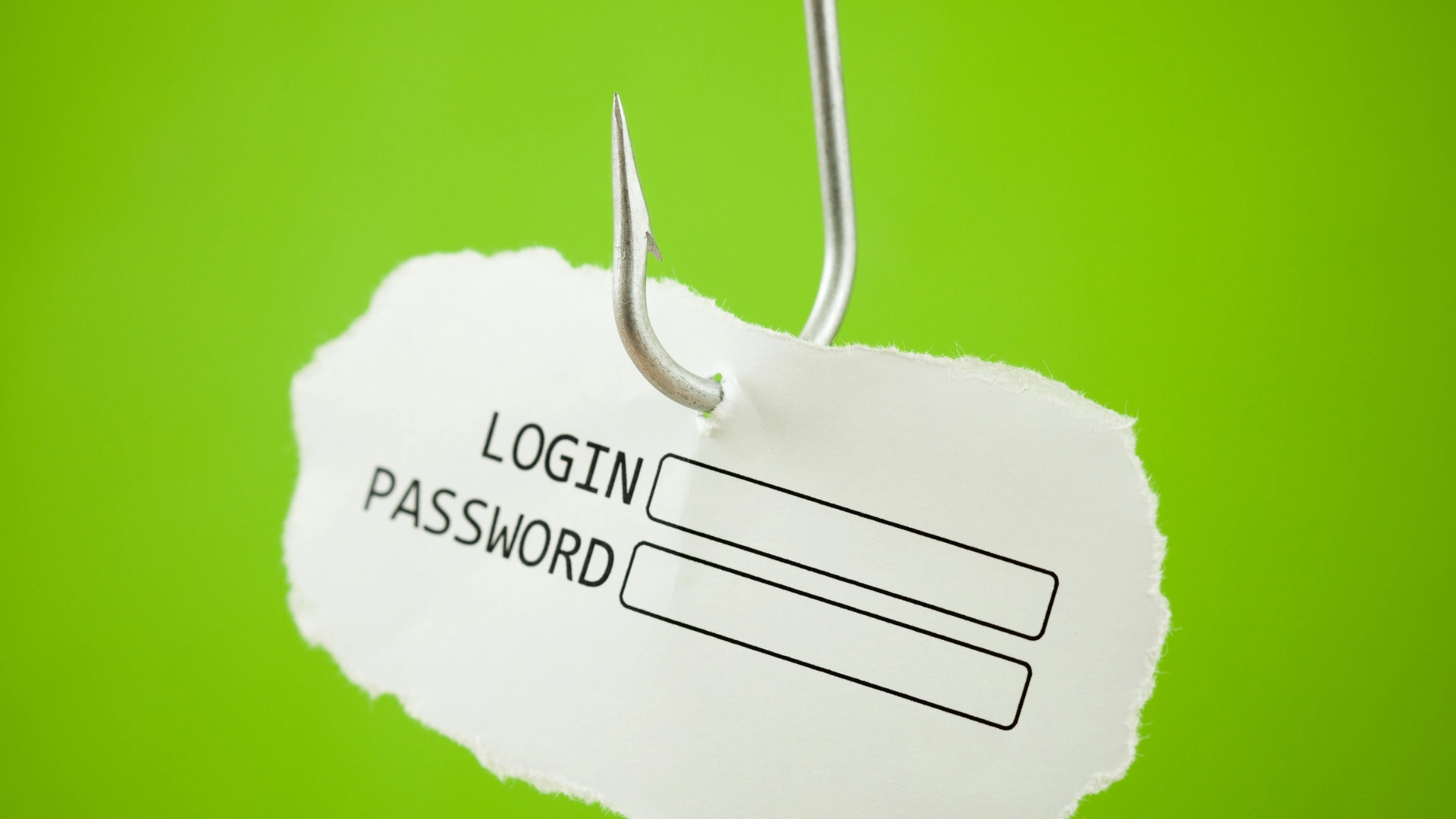
- Some fake sites will also ask for your 2FA code. If you enter it, they use it instantly to log in as you.
This is the most common 2FA bypass: capturing your login on a fake page in real time.
2) “Approve this sign-in” scams (MFA fatigue)
You suddenly get multiple authentication prompts.
Then a message follows: “Hi, this is IT. We’re testing security—please approve.” Approve once, and they’re logged in as you.
This works especially well in business environments where people don’t want to be the one “blocking work.”
3) Social engineering (no hacking—just deception)
Common examples:
“Boss” says: Send an urgent payment now.
“Supplier” says: Our bank details changed, use this new account.
“Courier” says: A small release fee is due, pay to receive your package.
“Bank” says: Your card is locked, verify your details to unlock it.
In the Caribbean, these spread fast through WhatsApp, SMS, and phone calls, not just email.
Caribbean Phishing Examples Commonly Seen
These reflect the patterns we see repeatedly in local SMB incidents.
Example A: The “invoice swap” email
Your business regularly pays Supplier A.
A fake email comes in: “Hi, our banking details have changed. Please use the updated account.”
Everything looks right—same logos, same tone, same invoice. Only the banking details differ.
Why it works: It targets businesses paying invoices under time pressure.
How to stop it: Never trust banking changes over email. Always verify using a known phone number.
Example B: “Delivery fee” SMS
You get a text: “Package held. Pay TT$XX to release.” The link looks somewhat official. But it’s fake.
Why it works:
The amount is small enough that people don’t think twice.
Example C: Email “storage full” notifications
Common with Microsoft 365 and Gmail: “Your mailbox is full. Click to verify.”
Link → fake login page.
Why it works:
Email disruptions feel urgent.
Example D: WhatsApp “Business Account Verification”
Message claims: “Your WhatsApp Business account will be suspended. Tap to verify.”
Sometimes it comes from a compromised contact.
Why it works:
People trust known numbers—and WhatsApp feels personal.
The 60 Second “Spot the Phish” Checklist
Before you click or sign in, run this:
1) Am I being rushed?
Words like urgent, immediately, final notice, suspended, locked are red flags.
2) Where does the link REALLY go?
- Hover (desktop)
- Press + hold (mobile)
Red flags:
- misspellings (micros0ft, g00gle)
- extra words (login‑secure, verify‑now)
- weird domains (.xyz, .top)
3) Is this request normal for this company?
Banks, couriers, and email services rarely ask you to log in via a random link.
4) Does the sign-in page feel slightly off?
- wrong domain
- blurry logo
- odd spacing
- immediately asking for a 2FA code
5) Password manager test: does it autofill?
If your password manager doesn’t autofill on a site where it normally does, stop. You may not be on the real site.
“But I have 2FA…” — how attacks still succeed
2FA reduces risk but doesn’t eliminate it. Attackers succeed when:
1) You enter your credentials into a fake page
They capture your password + 2FA code and log in instantly.
2) You approve a login you didn’t initiate
MFA fatigue is one of the biggest causes of compromise in 2026.
3) Session cookies get stolen (advanced)
Some phishing kits steal your logged‑in session, bypassing both passwords and 2FA.
Takeaway:
2FA is powerful, but it doesn’t replace awareness.
If you clicked a phishing link, do this immediately
Speed is everything.
1) Change your password (start with email)
Email controls nearly all your other accounts.
2) Sign out of all sessions
Look for:
- “Sign out everywhere”
- “Sign out of other devices”
3) Reset your 2FA method
Especially if you approved a prompt or entered a code.
4) Check mailbox rules + forwarding
Attackers often create hidden rules:
- auto-archive bank emails
- forward mail to another account
- move invoice-related messages
5) Alert your team or contacts
Attackers may impersonate you to trick others.
For SMB owners: the one policy that prevents the biggest losses
If your business pays invoices:
“Banking detail changes must always be confirmed through a second channel.”
That means:
- call a known number
- do NOT use the number in the email
- do NOT rely on WhatsApp alone
This one step stops the most financially damaging scam affecting Caribbean SMBs.
Daily habits that reduce phishing risk by 80%
- Use a password manager
- Never approve an MFA prompt you didn’t initiate
- Don’t click login links—type the site name
- Keep business and personal accounts separate
Hold quick 10‑minute staff refreshers monthly