Businesses often assume that once a website is online, it is doing its job. But an outdated, confusing or poorly maintained website can quietly send potential customers to competitors before they ever make contact.
Your website is often one of the first places people go to learn about your business. If it is difficult to use, slow to load or unclear about what you offer, visitors may lose confidence and leave. Here are seven warning signs that your website could be costing your business enquiries and sales.
1. Your Website Doesn't Work Well on Mobile Devices
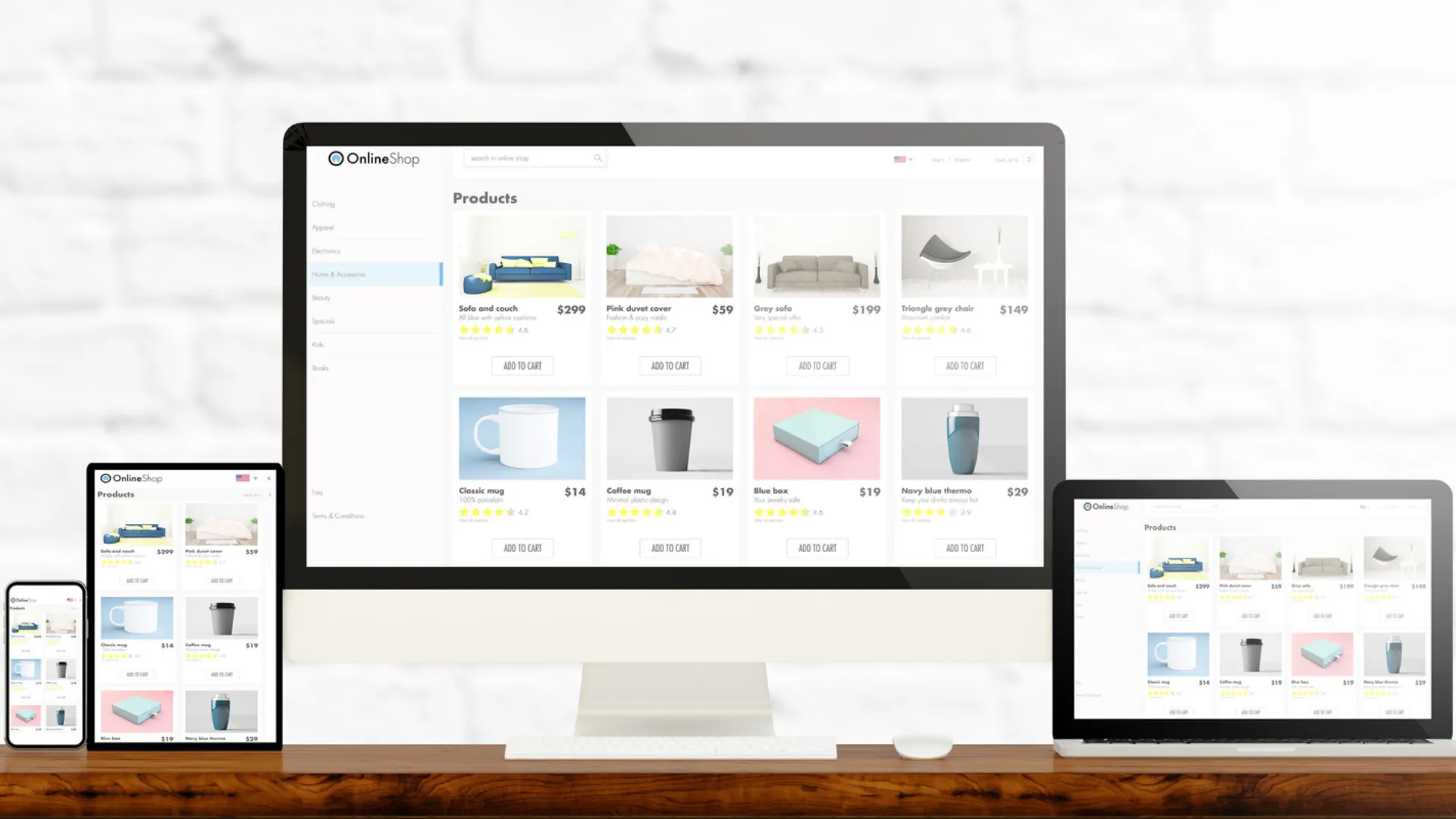
Many people browse and research businesses on smartphones. If visitors have to pinch, zoom or struggle to navigate your website on a phone, they may leave before finding the information they need.
Common issues include:
• Text that is too small or difficult to read.
• Buttons and links that are too small or too close together to tap comfortably.
• Images or page sections that do not fit the screen properly.
• Menus that are difficult to open or navigate.
A mobile-friendly website should make it easy for visitors to read, browse and contact your business from any screen size.
2. Pages Take Too Long to Load
Visitors expect pages to load quickly. When a website takes too long, people may give up and look elsewhere. Slow performance can also affect the overall user experience and may make it harder for search engines to assess and rank your pages.
• Large, unoptimised images.
• Unnecessary plugins, scripts or page features.
• Poor hosting or server performance.
• Pages that take noticeably longer to load on mobile data.
A properly maintained website should be monitored and optimised so visitors can access important information without unnecessary delays.
3. Your Design Looks Outdated
First impressions matter. If your website looks neglected or was not designed with today’s visitors in mind, people may question whether the business is active, professional or keeping up with its customers’ needs.
• Old or inconsistent branding.
• Cluttered layouts and difficult-to-read text.
• Outdated images, announcements or promotions.
• Pages that are difficult to use or navigate.
Your website does not need to follow every design trend. It should look professional, reflect your current business and make information easy to find.
4. Your Contact Information Is Difficult to Find
Many visitors come to your website because they want to ask a question, request a quote or make a purchase. If they cannot quickly work out how to reach you, they may contact another business instead.
• Your phone number or email address is missing or difficult to locate.
• There is no clear contact button or call to action.
• Business hours or location details are missing or out of date.
• Visitors have to move through several pages just to find basic contact information.
Make it straightforward for customers to take the next step. Your contact details should be accurate, easy to find and accessible from mobile devices.
5. Your Contact Form Isn't Working Properly
A broken contact form can cost your business enquiries without anyone realising. A visitor may complete a form, click submit and assume you will respond, even when the message never reaches your inbox.
• Forms display errors or fail when submitted.
• Enquiries are submitted but never arrive at the business email address.
• Visitors receive no confirmation that their message was sent.
• Forms are difficult to complete or do not work properly on mobile devices.
Test your forms regularly, including the full process from submission to email delivery. A working form should make it clear to visitors when their enquiry has been received.
6. Visitors Don't Know What You Actually Do
A first-time visitor should be able to understand what your business offers without having to search through several pages. If your services, products or intended customers are unclear, visitors may leave without making an enquiry.
• The homepage does not clearly explain what the business does.
• Services are listed without enough explanation.
• There is no clear indication of who the business serves or where it operates.
• Visitors are left unsure about what to do next.
Use clear, straightforward language to explain what you offer, who you help and how customers can get started. Give visitors a clear next step, such as calling, requesting a quote or booking a consultation.
7. Your Website Lacks Trust Signals
People want to feel confident before sharing their information, making a purchase or contacting a business. A website that provides little evidence of credibility can make potential customers hesitate.
• No customer testimonials, reviews or examples of previous work.
• Missing or unclear business contact information.
• No professional business email address.
• Outdated business details or inactive social media links.
• No HTTPS connection or appropriate privacy information when collecting customer data.
An HTTPS connection is an important baseline for website security, but it does not by itself prove that a business is trustworthy. Keep your information current and give visitors clear reasons to feel confident dealing with you.
Your Website Should Work for Your Business
Your website should do more than simply exist online. It should help people find your business, understand what you offer, build confidence and get in touch. When important parts of the experience are neglected, you may be losing opportunities without knowing it.
At Qwerty Technical Solutions, we help businesses improve their websites through development, maintenance, performance optimisation and security improvements. Whether your website needs a few fixes or a more substantial update, the first step is identifying what is getting in the way.
Need a website review? Fill out this form or contact Qwerty Technical Solutions to arrange a website assessment. We will review your website and identify issues that may be affecting its performance, usability, security or ability to generate enquiries.